
This page contains affiliate links. If you make a purchase through one, we may earn a commission at no extra cost to you.
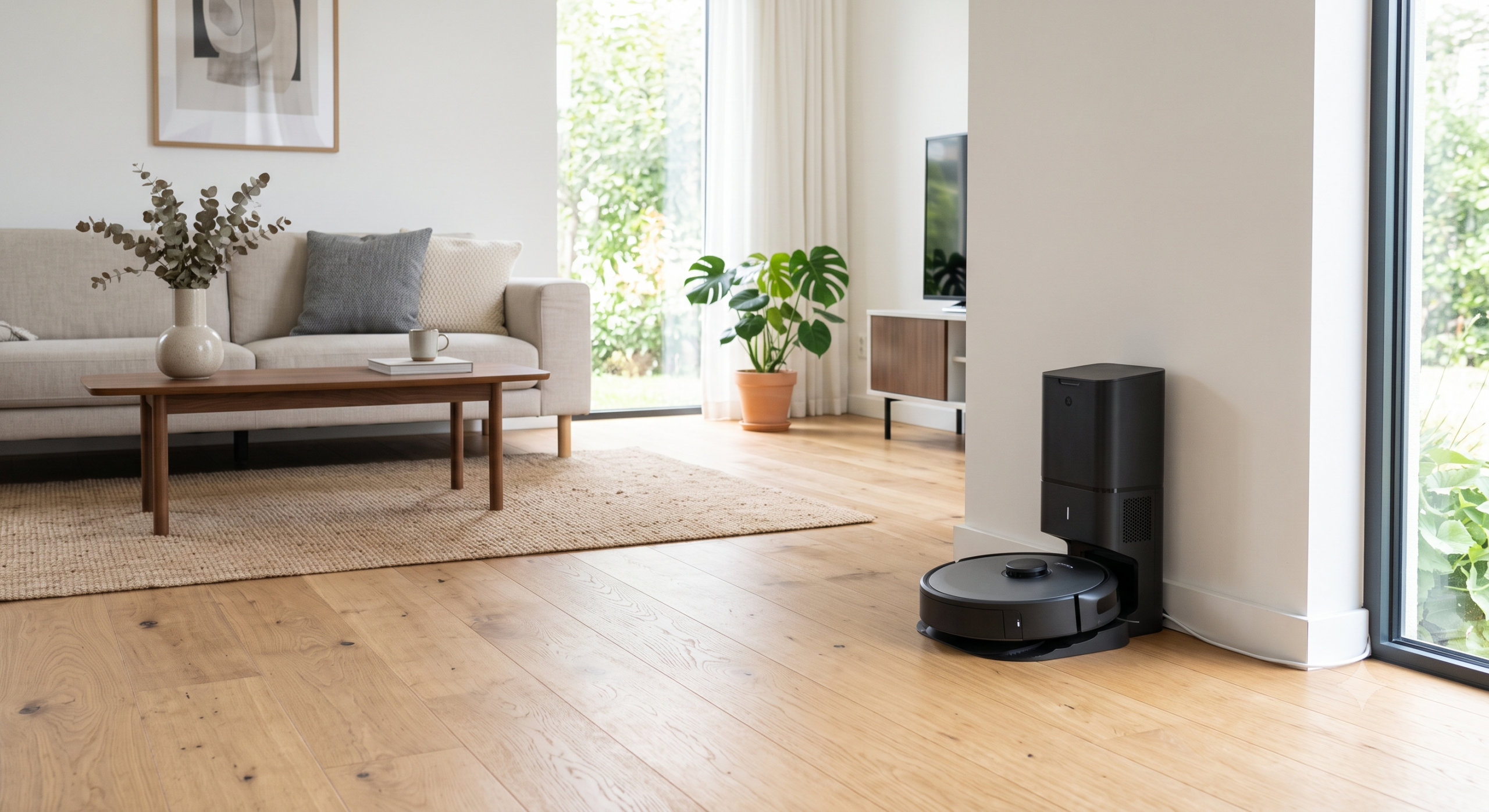
Most robot vacuum buying guides start with a spec sheet. That’s backwards. The specs that actually matter — suction wattage, mAh battery capacity, the marketing tiers — don’t tell you whether the thing will actually clean your floor without getting stuck under your couch twice a day. What tells you that is four decisions: how much suction and runtime you actually need for your home, how good the navigation really is, whether you want a base station that empties and washes itself, and whether you’re willing to pay the ongoing cost of bags. Get those four right and the rest sorts itself out. A current ECOVACS lineup spans most of these tiers cleanly, which makes it a reasonable anchor for walking through the decisions rather than just a product to sell you.
Suction and Battery Life: Match It to Your Floors, Not the Spec Sheet
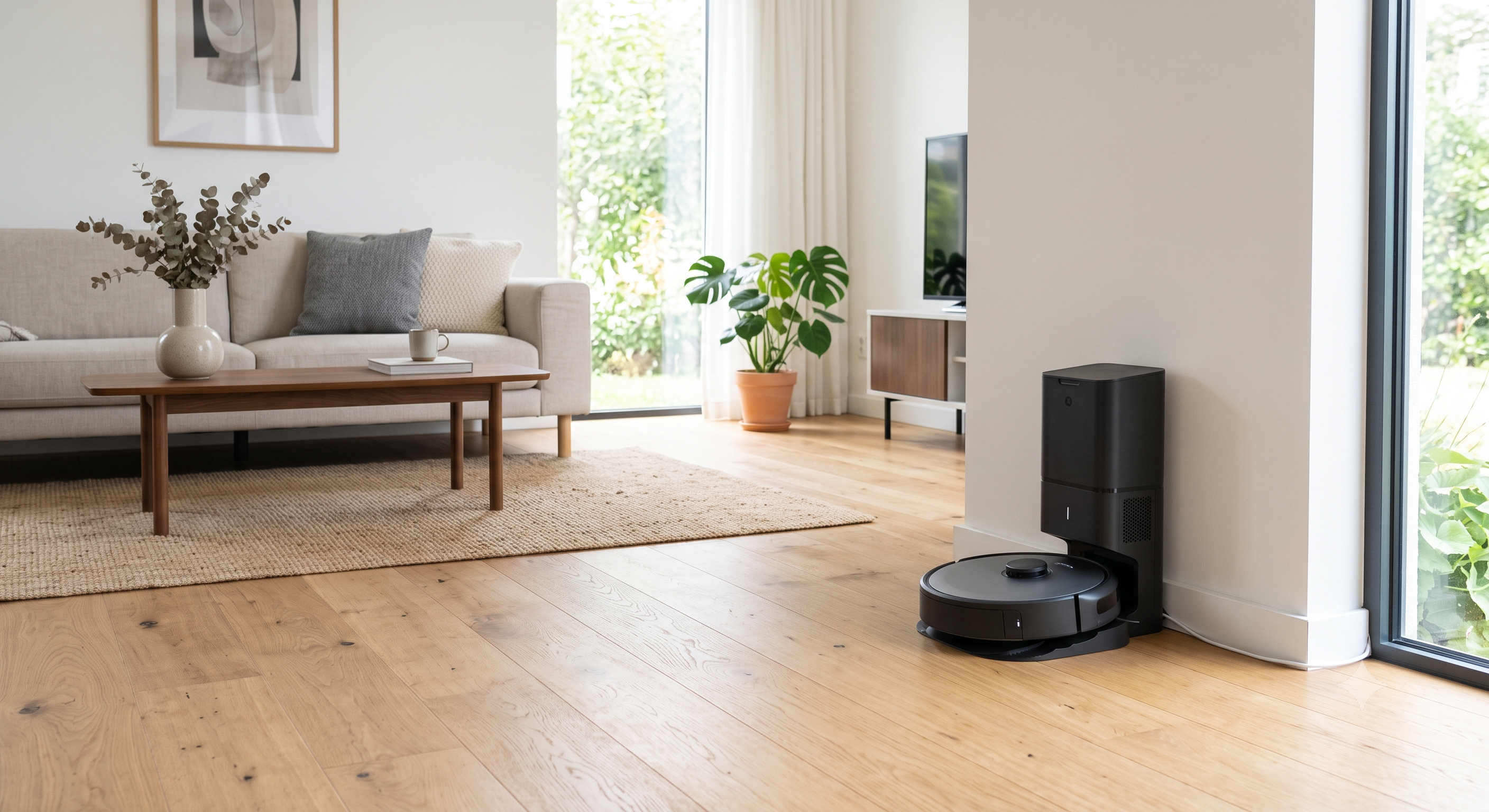
Suction is measured in pascals (Pa) on most spec sheets now, and the number has crept up fast — 2,000Pa was flagship-tier three years ago, and now mid-range units regularly claim 5,000-6,000Pa. In practice, the difference between 3,000Pa and 6,000Pa is far less noticeable on hardwood or low-pile carpet than the marketing implies. Where it matters is medium-to-high pile carpet and pet hair, where lower-suction units leave a visible line of hair and debris behind on the first pass and need a second pass to finish the job.
The honest rule: if your home is mostly hard flooring and low-pile carpet, a mid-tier suction unit is genuinely enough — you’re paying for a number you won’t feel. If you have thick carpet, a shedding dog, or both, spend the extra money on suction, because that’s the one spec that directly maps to a visible result.
Battery life matters more for square footage than for suction. A robot rated for 180 minutes of runtime that returns to base, recharges, and resumes automatically will clean a 3,000 sq ft home in one session without you noticing the pause. A robot rated for 90 minutes without auto-resume will finish an open-plan apartment and stall out on a larger home, leaving rooms undone until you manually restart it. Check for auto-resume specifically — it’s a bigger practical factor than the raw runtime number.
Navigation and Mapping: This Is Where Cheap Robots Actually Fail
Suction differences are subtle. Navigation differences are not. A robot with poor navigation doesn’t just clean less efficiently — it gets stuck, it re-cleans the same section three times while missing another entirely, and it loses its map after furniture moves, forcing a full re-mapping run. This is the single biggest gap between budget and mid-tier robot vacuums, more than suction or battery.
There are two real navigation technologies in use today. LiDAR (a spinning laser sensor, usually visible as a small turret on top of the robot) builds an accurate room map on the first run and holds it well between cleanings. Camera-and-sensor-fusion navigation (no visible turret) has improved a lot but still struggles more in low light and with reflective or transparent obstacles like glass tables and mirrors. If you’ve had a bad experience with an older robot bumping around randomly, that was almost certainly a gyroscope-only unit with no real mapping at all — those are effectively gone from anything above entry-level pricing now, but they still show up in ultra-budget listings, so check for LiDAR or a stated mapping camera specifically rather than assuming.
Multi-floor mapping is worth checking if you have more than one level: better units store multiple saved maps and recognize which floor they’re on when you carry them between levels; cheaper ones force you to re-map from scratch every time.
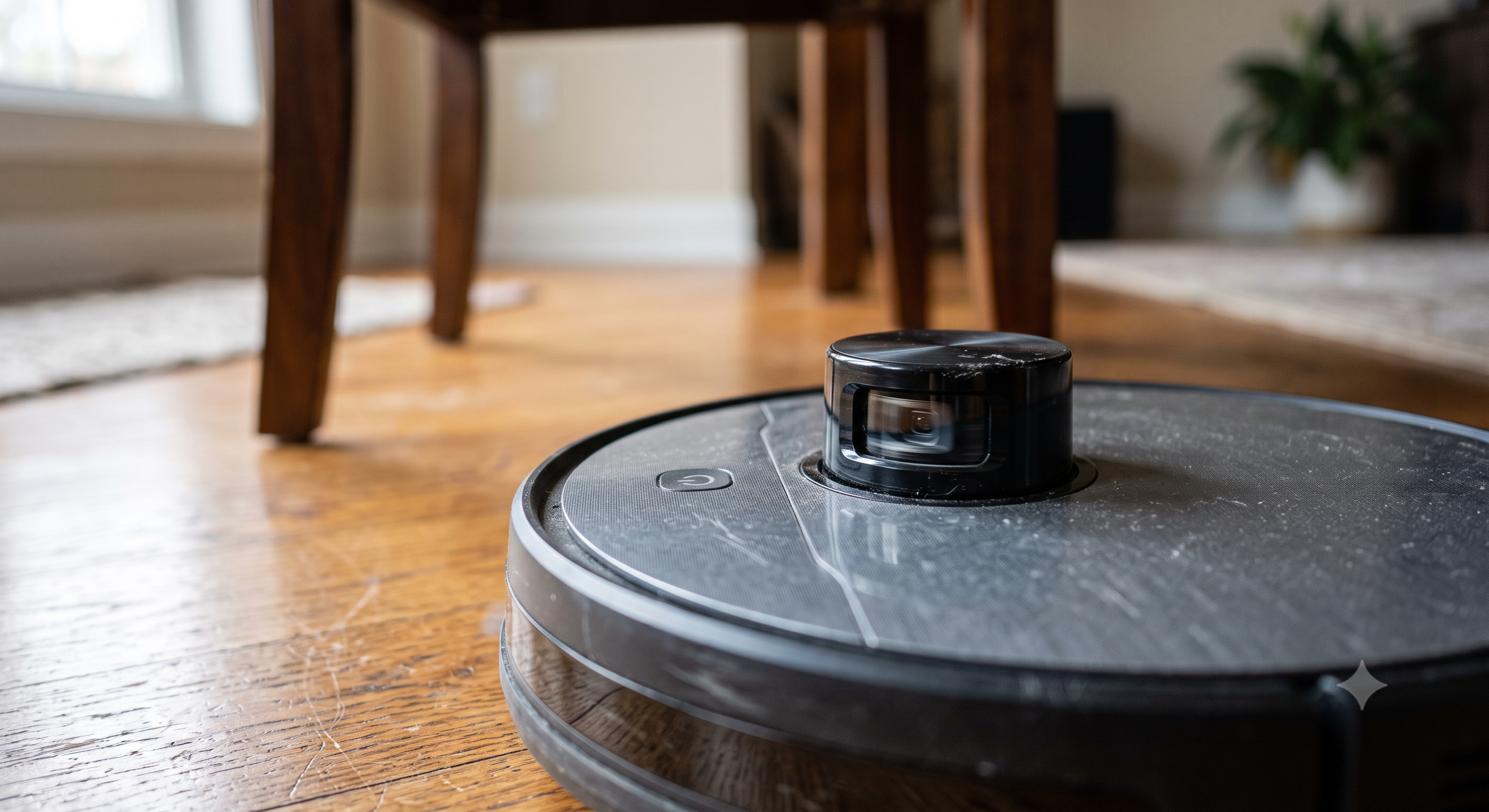
Once you’ve settled on the navigation tier you need, it’s worth looking at where an ECOVACS Deebot sits on this specifically — the T-series and X-series both use LiDAR-based mapping, and the practical difference between them is mostly about how many rooms/floors get saved and how fast the initial map builds, not whether the mapping works at all.
Self-Empty and Self-Wash Base Stations: What You’re Actually Paying For
The base station is the single biggest price jump in this category, and it’s worth understanding what it actually buys you before paying for it. A self-empty base automatically vacuums the robot’s internal bin into a larger bag or bin in the base, stretching the time between you emptying anything from days to weeks. A self-wash base goes further, rinsing the robot’s mop pads (on hybrid vac/mop units) with clean water and often heat-drying them, which solves the genuinely unpleasant problem of a damp mop pad sitting in a dark base growing mildew smell between uses.
If you don’t have a hybrid vac/mop unit, self-wash doesn’t apply to you — don’t pay for it. If you do run a mop pad regularly, self-wash is one of the few premium features that’s worth the money rather than a marketing add-on, because the alternative (manually rinsing a mop pad every session) is the kind of chore most people actually stop doing after a few weeks, at which point the mopping function stops delivering any value at all.
Self-empty bins use proprietary bags in almost every case, which brings us to the next real cost consideration.
Bagged vs. Bagless (Cyclonic): The Cost Tradeoff Nobody Puts on the Spec Sheet
Every robot vacuum with a self-empty base uses one of two systems for the base station itself, and this is a genuine, ongoing cost difference that most buying guides skip:
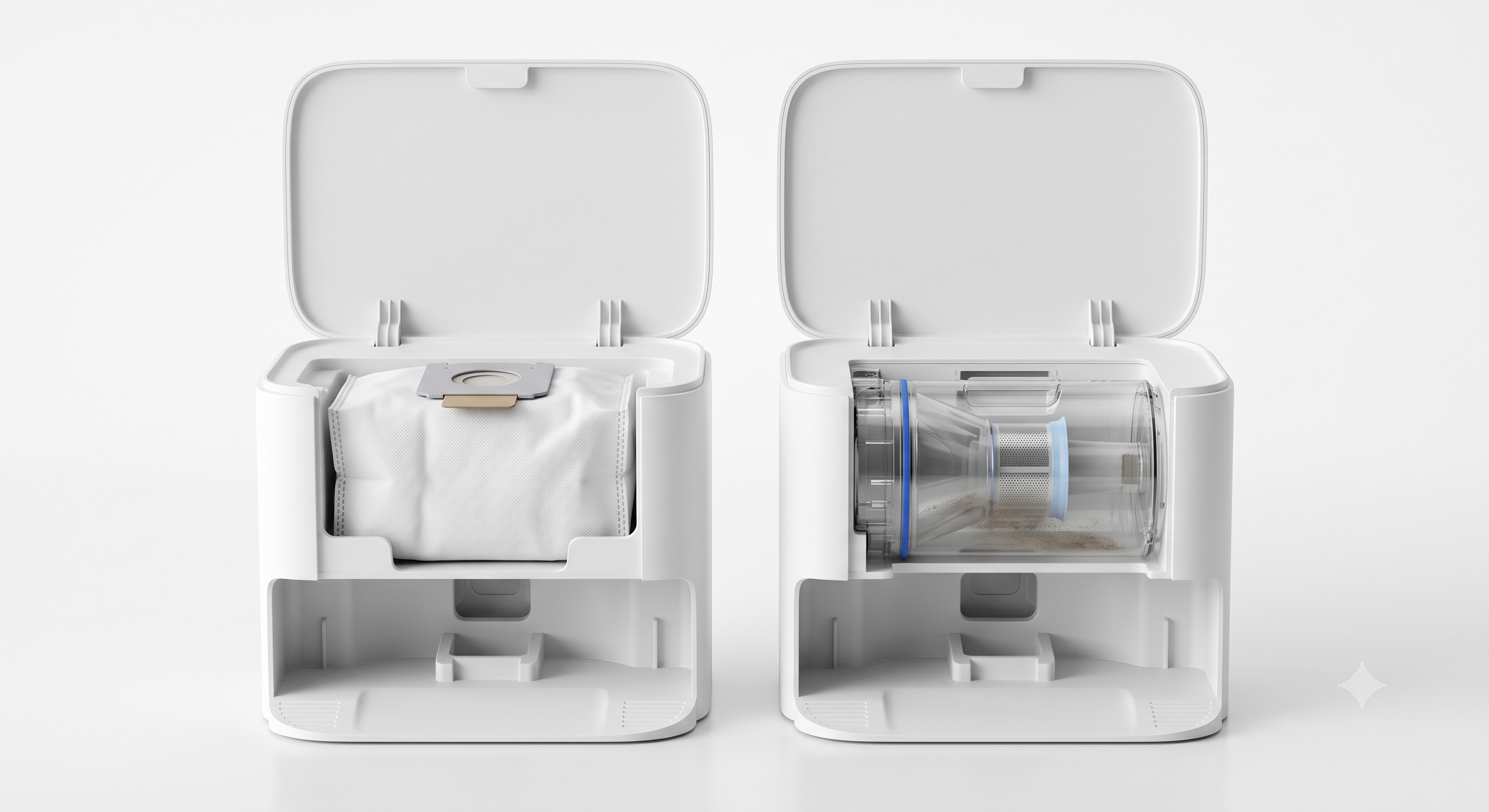
Bagged self-empty bases use disposable bags, typically holding 45-60 days of debris before needing replacement. Replacement bags run roughly $15-25 for a 3-pack from most manufacturers. Over two years, that’s a real, recurring cost — often $60-100 — that doesn’t show up in the sticker price at all.
Bagless (cyclonic) self-empty bases use a washable bin instead, with no ongoing bag cost. The tradeoff: you have to empty and occasionally rinse the bin yourself every few weeks, and cyclonic separation is very slightly less airtight than a sealed bag, so there’s a marginal — genuinely marginal, not a dealbreaker — increase in dust escaping during the empty cycle.
Neither is objectively better. If you have dust allergies and want the base sealed and out of sight until trash day, bagged is worth the ongoing cost. If you’d rather not budget for a recurring accessory purchase and don’t mind five minutes of maintenance every few weeks, bagless saves real money over the life of the robot.
AI Obstacle Avoidance: The Feature That Actually Prevents Disasters
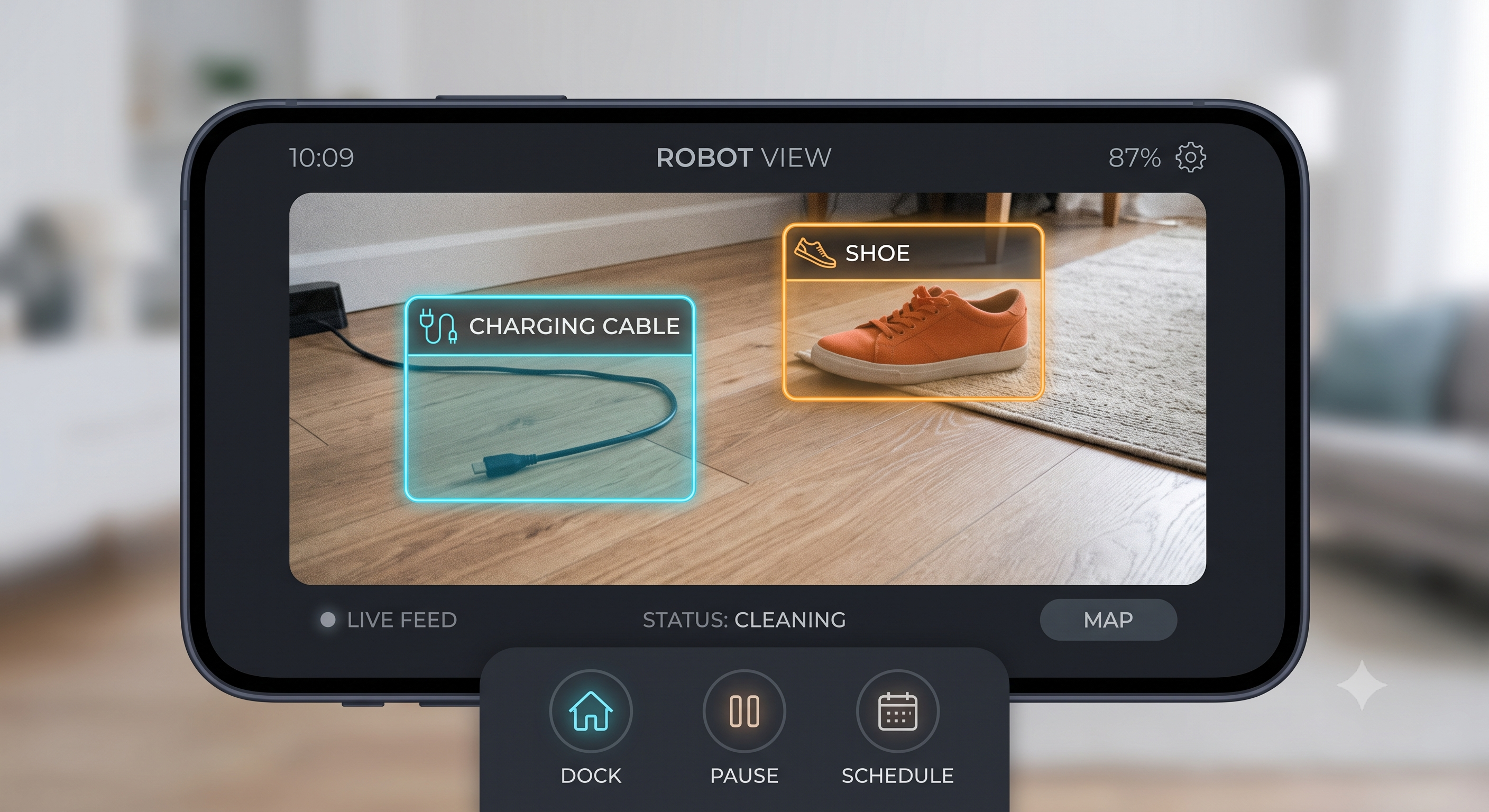
This is a newer spec category and it’s easy to dismiss as marketing, but it solves a real, specific problem: older robots without object recognition will drive straight through a phone charging cable, a pair of earbuds, or — the classic disaster scenario — pet waste, smearing it across a room before you can intervene. AI obstacle avoidance uses a camera and onboard image recognition to identify and route around specific object categories in real time, rather than just bumping into anything solid.
The category matters more than the marketing claim of “AI-powered.” Basic obstacle avoidance stops the robot at any object above a certain height — fine, but it also means the robot avoids things it didn’t need to (shoes, low furniture legs) and gets less coverage as a result. Better systems identify specific object types and route around only the ones that are actually a problem (cables, pet waste, socks) while still cleaning close to furniture legs and low obstacles that pose no risk. If you have pets or small kids who leave things on the floor, this is worth checking specifically rather than assuming any “AI” label covers it — ask whether the system does object-type recognition or just generic height-based obstacle stopping.
Noise Levels: What the Decibel Rating Doesn’t Tell You
Every spec sheet lists a decibel range, usually something like “55-68dB.” What it doesn’t tell you is that almost every robot in this category runs at the low end of that range during normal cleaning and spikes to the high end only during self-empty (which lasts 10-15 seconds) or on the highest manual suction setting, which most people rarely use. A robot rated at 68dB max is not going to run at 68dB continuously — that number describes a brief burst, not the background hum you’ll actually live with.
What actually determines whether a robot bothers you day-to-day is the base station’s self-empty noise, since that’s the loud, sudden sound that happens on a schedule (often while you’re home) rather than the steady vacuum hum you can predict and route around. If noise is a real concern — a home office near the cleaning area, a light sleeper, a baby’s nap schedule — ask specifically about self-empty duration and volume rather than the overall dB range, since that’s the part you can’t tune down with a suction setting.
What to Actually Spend, By Home Type
- Small apartment, mostly hardwood, no pets: mid-tier suction, basic LiDAR navigation, self-empty base optional. You’re paying for convenience here, not solving a hard cleaning problem.
- Family home, mixed flooring, one pet: prioritize navigation quality and a self-empty base over top-tier suction. Multi-floor mapping if you have stairs.
- Multiple pets, thick carpet, or a genuinely messy household: this is where higher suction actually earns its price premium, paired with a self-empty base you won’t resent maintaining.
A current ECOVACS model in the upper tier is built around exactly this last combination — it’s a legitimate, well-regarded option here, though it’s worth knowing that independent rankings for “best robot vacuum overall” generally put Roborock, Dreame, and a couple of others slightly ahead of ECOVACS at the very top end. ECOVACS is a safe, credible choice, not automatically the best possible one at every price point — decide based on the specific feature tier you actually need, not the brand name alone.
Frequently Asked Questions
Do I need LiDAR, or is camera navigation good enough?
Camera navigation has closed most of the gap for daytime, well-lit homes. If you regularly run cleanings at night or have a lot of glass/mirrored furniture, LiDAR is the safer choice — it doesn’t depend on ambient light or visual contrast to build its map.
Is a mop function actually worth it, or is it a gimmick?
It’s worth it for light daily maintenance (dust, light spills) on hard flooring, and not a replacement for an actual mop on anything more than that. The self-wash base station question above matters a lot more once you’ve decided you want mopping at all — a mop pad you don’t wash is worse than no mop pad.
How long do robot vacuums actually last before needing replacement?
Most units run 4-6 years with normal use before battery degradation or motor wear makes replacement more sensible than repair. Brushes and filters are wear parts on a much shorter cycle — expect to replace brushes every 6-12 months and filters every 2-3 months regardless of brand.
Is it worth buying a robot vacuum from a well-known brand going through financial trouble, versus a newer name?
Worth asking specifically before buying anything in this category right now, given how much the landscape has shifted recently — see our separate piece on what iRobot’s 2025 bankruptcy actually means for existing and prospective Roomba owners.
Does a higher price always mean better obstacle avoidance and navigation?
Mostly, but not perfectly — obstacle avoidance and navigation quality track price tier more reliably than suction does, since they depend on more expensive onboard chips and camera hardware rather than just a stronger motor. It’s the one area where paying more is close to a guaranteed upgrade, rather than a marginal one.
Can I run a robot vacuum on a schedule while I’m not home, or does it need supervision?
Modern units with real navigation (LiDAR or good camera-based mapping) and object-type obstacle avoidance are reliable enough to run unsupervised on a schedule for most homes. The exception is homes with pets that might have an accident between cleanings — that’s the specific scenario where checking for real object-type recognition (not just generic obstacle stopping) matters most, since a scheduled cleaning with no one home is exactly when a waste-avoidance failure does the most damage.