
This page contains affiliate links. If you make a purchase through one, we may earn a commission at no extra cost to you.
A robot vacuum that finishes its cycle but leaves visible patches uncleaned is a different problem from one that gets stuck or circles — this is a coverage problem, not a physical obstruction, and it has its own specific set of causes worth checking in order. If your current unit’s navigation is genuinely the limiting factor, it’s worth comparing against what current ECOVACS models offer for coverage before troubleshooting further.
The causes split into two broad categories, and it’s worth knowing which one you’re dealing with before troubleshooting: physical limitations that no software fix addresses (a robot’s round shape simply can’t reach a square corner), and fixable issues (an outdated map, an overly broad no-go zone, a sensor misreading a dark rug) that respond to a specific correction. The sections below are ordered from the most common physical limitation to the least common fixable causes, so start at the top rather than jumping to whichever sounds most familiar.
Round-Body Design and the Corners It Physically Can’t Reach
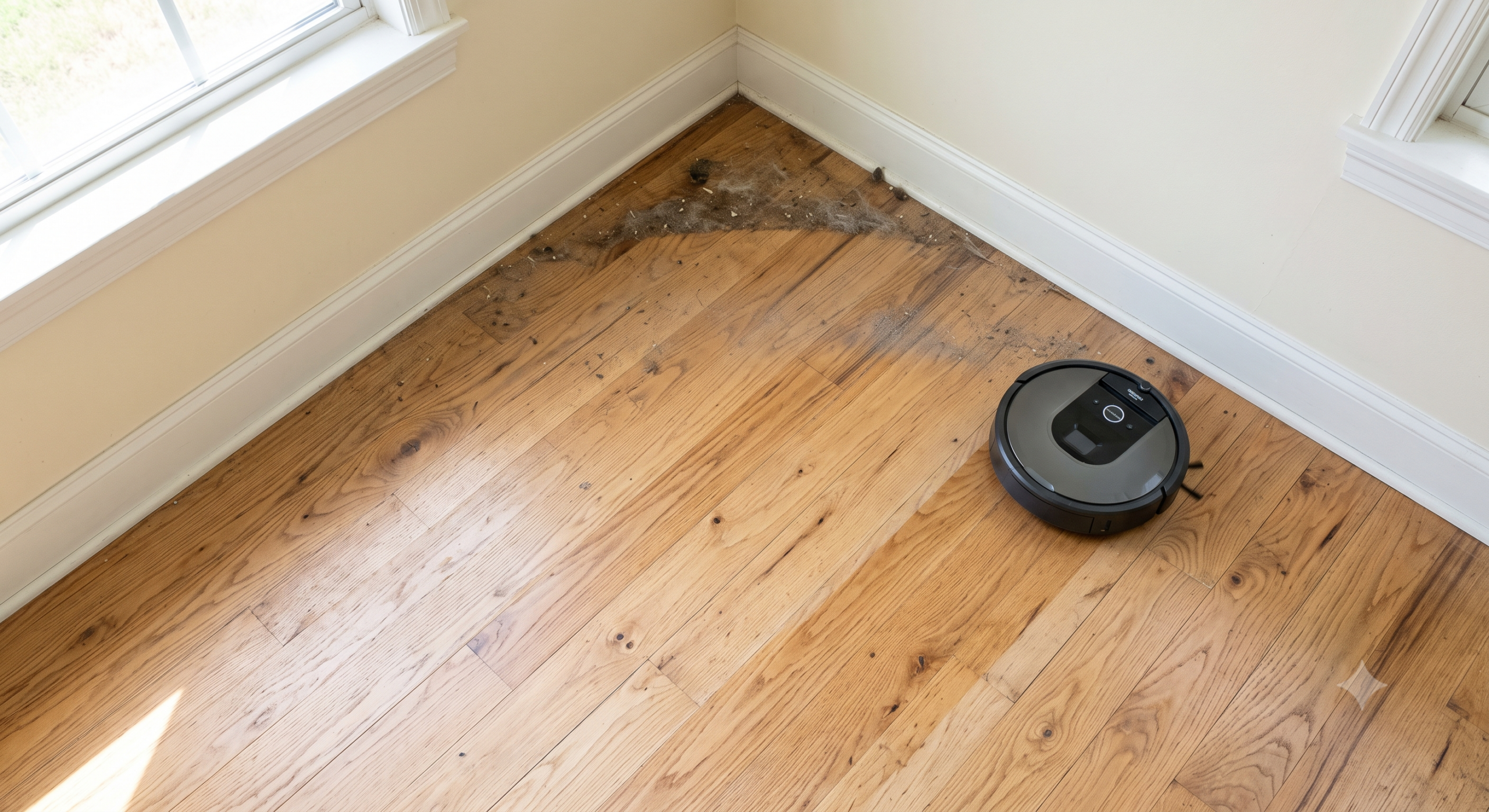
The most consistently missed spots on any round-bodied robot vacuum are square, 90-degree corners — this is a physical, unavoidable limitation of the shape, not a defect or a setting to fix. A circular robot can get its side brush into a corner but can’t get its main brush body flush against two perpendicular walls at once the way a corner or D-shaped design could. If the missed spots in your home are consistently actual room corners rather than random open-floor patches, this is very likely simply the shape of the robot doing what round robots do — the fix isn’t troubleshooting, it’s a quick manual pass in those specific corners on your own schedule.
Side-brush quality varies more than people expect here. A worn, bent, or missing side-brush bristle reduces how far into a corner the robot can actually sweep debris toward its main brush, which compounds the round-body limitation rather than being a separate issue. Check the side brush specifically — not just the main roller — if corner coverage seems worse than it used to be on a robot that’s a year or more old.
Uneven Cleaning Passes: Why the Same Spot Gets Skipped Repeatedly
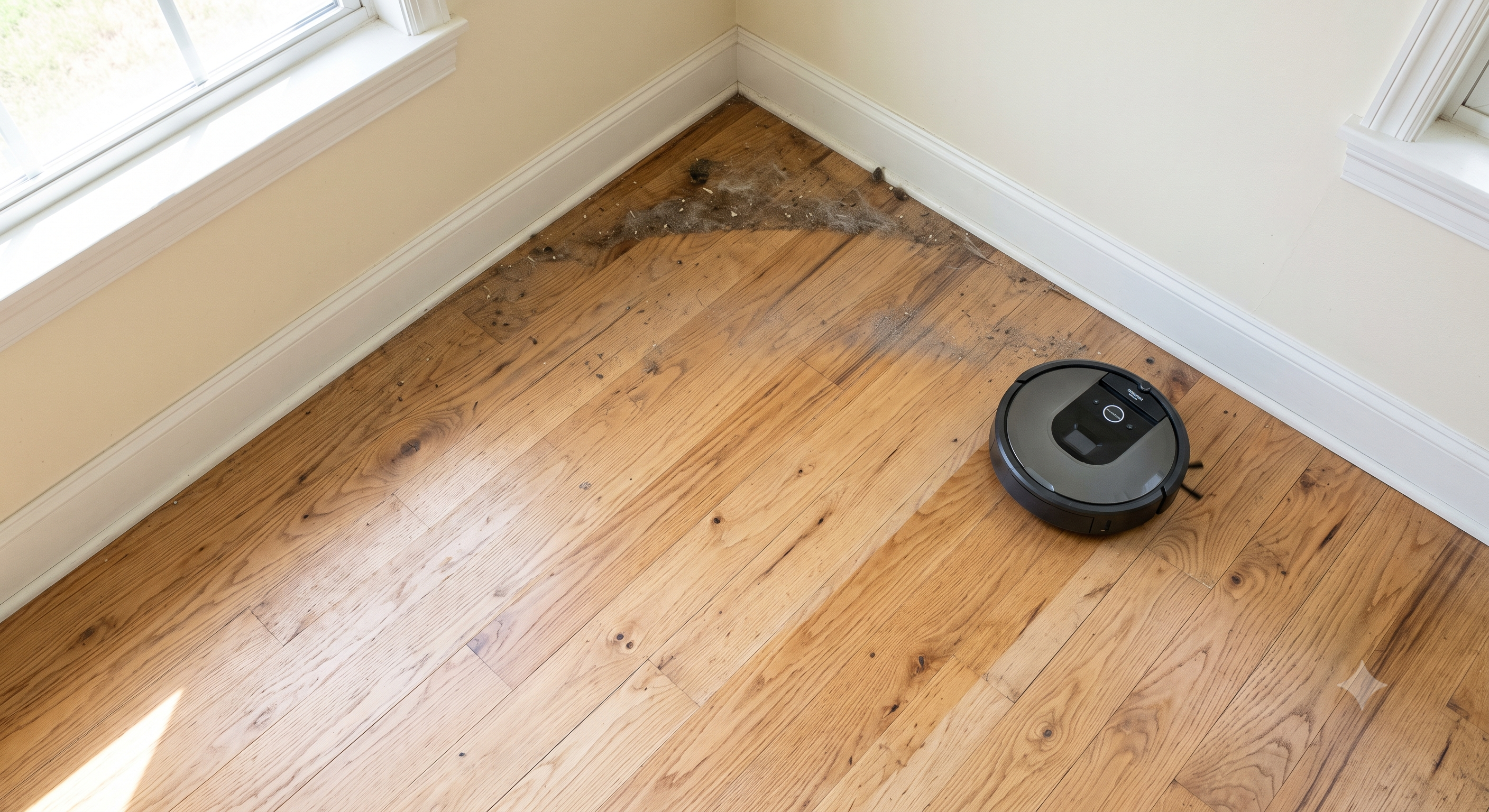
Beyond corners, some robots consistently skip the same open-floor spot cycle after cycle, which points to a mapping or path-planning issue rather than a physical shape limitation. Lower-end navigation systems plan cleaning paths in fixed patterns (rows, or a spiral from the dock outward) that can systematically miss small gaps between pattern passes — a narrow strip between a rug edge and a wall, for instance, that falls exactly between two pass lines every single time. Better navigation systems recalculate coverage dynamically and are less prone to this specific repeating-gap problem, but it can still happen, especially in irregularly shaped rooms.
The tell for this specific cause: it’s the exact same spot every single cleaning cycle, not a random different area each time. If you can predict which spot will be missed before the robot even starts, that’s a path-planning pattern gap, and the fix is usually either a targeted manual pass in the app for that zone specifically, or — on some models — a “deep clean” or “detailed clean” mode that uses a denser pass pattern than the standard cycle.
Detection Limitations: What the Robot Thinks Is There but Isn’t
Some missed spots come from the robot avoiding an area it doesn’t need to avoid, rather than failing to plan a path to it at all. Dark or black flooring and rugs can be misread by some cliff-detection sensors as a drop-off, causing the robot to steer wide around a perfectly safe area. Similarly, thick, high-pile rugs sometimes get flagged by anti-tip or obstacle sensors as too risky to fully cross, so the robot cleans the edges but avoids driving all the way across the center.
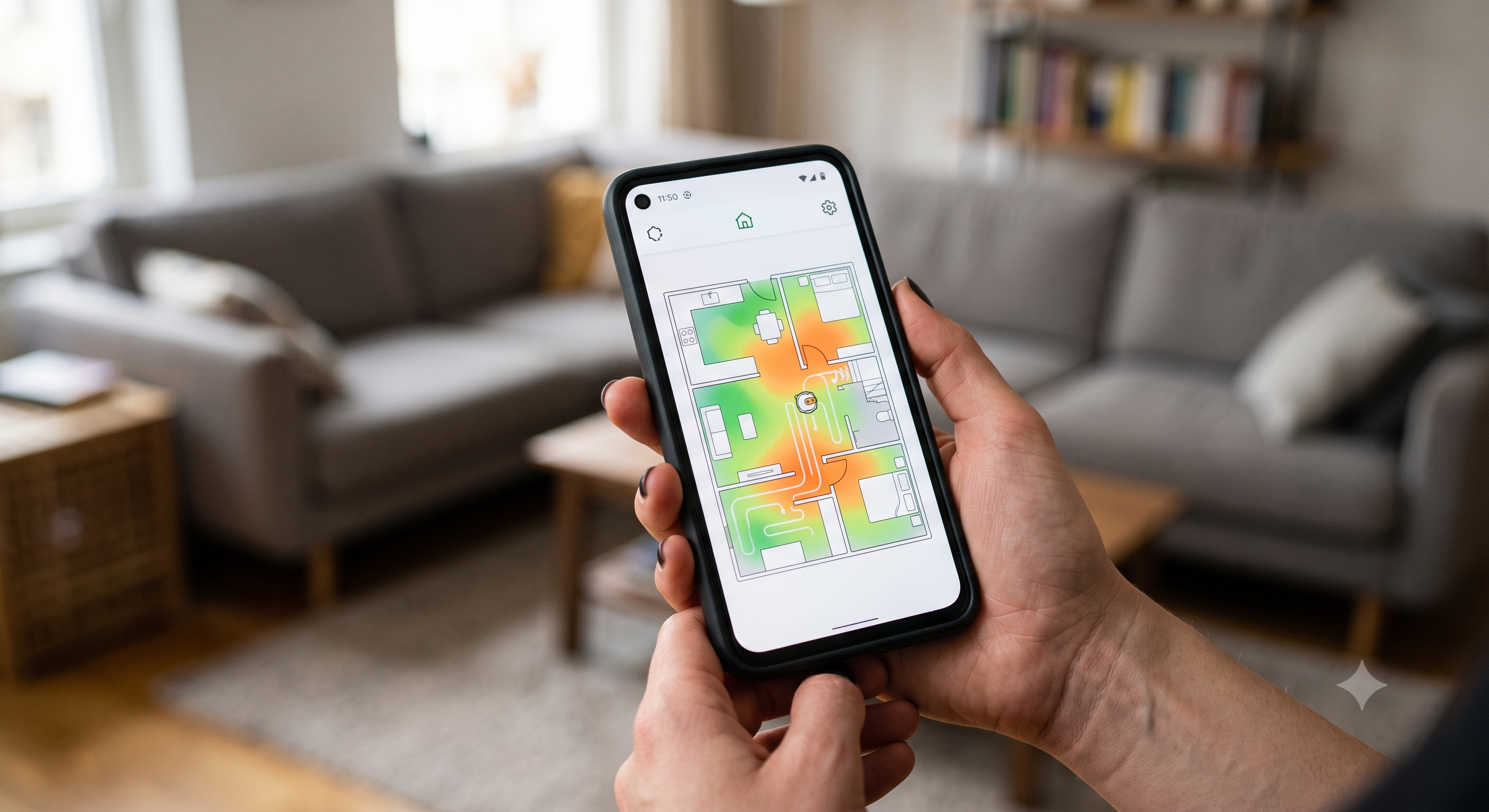
This is genuinely different from a maintenance problem — cleaning the sensors doesn’t fix a sensor that’s working correctly but misreading a specific surface. Most apps let you check a cleaning-history heatmap showing exactly where the robot did and didn’t go on its last run; if a suspiciously clean-edged gap lines up exactly with a dark rug or high-pile area, that’s your answer, and a no-go-zone override or a room-specific “boost mode” setting (where available) is a more direct fix than general troubleshooting.
An Outdated or Never-Completed Map
If the first mapping run was interrupted — picked up mid-cycle, stopped for the day and resumed later, or cut short by a low battery — the resulting map can have genuine gaps that persist across every future cleaning cycle until it’s rebuilt. This produces missed spots that look identical to the pattern-gap problem above but for an entirely different reason: the robot’s map simply doesn’t correctly represent that part of your home, so it isn’t planning a path through an area it doesn’t know exists correctly.
If missed spots started after a first setup that didn’t go smoothly, or after any interruption to a mapping run, deleting the saved map and letting the robot complete one full, uninterrupted pass is worth doing before troubleshooting anything else — it resolves this specific cause completely rather than working around it.
No-Go Zones Set Wider Than You Intended
A surprisingly common self-inflicted cause: a no-go zone drawn in the app slightly larger than intended, especially when it was set on a phone screen where precision is harder than it looks. A zone meant to keep the robot away from a pet bowl can easily end up covering an extra foot or two of perfectly cleanable floor if the boundary was drawn loosely, and that extra margin reads as a “missed spot” even though the robot is doing exactly what it was told.
Open the app’s map view and check existing no-go zones against the actual floor plan before assuming a navigation failure — this takes under a minute and rules out a cause that’s entirely within your control to fix immediately, unlike sensor or hardware limitations. It’s also worth checking after any map update or remap, since some apps don’t always carry zone boundaries over with perfect precision when a map is rebuilt.
Furniture and Layout Changes the Map Hasn’t Caught Up To
A saved map reflects your home’s layout at the time it was built. New furniture, a rearranged room, or even a large object left in an unusual spot on cleaning day can create a mismatch between what the robot’s map expects and what’s actually there — sometimes causing it to avoid a now-open area it previously mapped as blocked, or fail to reach a spot that’s now accessible because a piece of furniture that used to block a doorway has moved. A ccurrent ECOVACS Deebot with regularly-updating map features handles gradual layout drift better than older mapping systems that require a full manual remap for any change, which is worth knowing if your home’s layout changes often.
If missed spots correlate with a specific furniture change you can remember, remapping resolves it directly. If your home’s layout changes frequently — kids’ toys, a home office that gets rearranged, seasonal furniture — checking the map every month or two rather than only when something visibly goes wrong keeps this from becoming a recurring surprise.
Why Missed Spots Look Worse With Infrequent Cleaning
A gap that’s genuinely tiny — a couple of inches along one edge — becomes a lot more visually obvious when the robot only runs once or twice a week, since dust and debris have days to accumulate in exactly that one spot while the rest of the floor stays clean. The same small coverage gap on a daily schedule barely has time to build up visible buildup between cycles, which is why increasing cleaning frequency, even without fixing the underlying cause, often makes a real but minor gap look like a non-issue.
This isn’t a reason to ignore a genuine coverage problem — if it’s a full square foot or more, or it’s in a high-traffic spot, it’s worth diagnosing properly with the causes above. But if what prompted you to search for this in the first place is a thin strip along one wall that’s only really noticeable a few days after cleaning, it’s worth checking whether simply running the robot more often solves the practical problem before assuming something’s actually broken. If you’ve worked through every cause above and coverage is still genuinely poor, see the current ECOVACS lineup as a real upgrade path rather than continuing to troubleshoot an aging unit.
Frequently Asked Questions
How do I actually see where my robot vacuum missed?
Most current apps show a cleaning-history heatmap or coverage map after each cycle, highlighting cleaned versus uncleaned areas. Check this before assuming where the gap is from memory alone — it’s easy to misremember which specific spot was missed after a few days.
Will running the robot twice in a row fix missed spots?
Sometimes, if the cause is a random pattern-gap rather than a systematic one — a second pass with a different starting position can catch a spot the first pass’s exact pattern missed. It won’t fix corner limitations, sensor misreads, or map errors, which are consistent rather than random and will reproduce the same gap on a second run.
Does a more expensive robot actually cover corners better?
Only marginally, since the round-body corner limitation is largely a function of the chassis shape shared across nearly all mainstream robot vacuums regardless of price. A few premium models use a D-shaped or squared-off front specifically to address this, which is worth checking for directly if corner coverage is your primary frustration, rather than assuming a higher price tier solves it automatically.
Is it worth manually cleaning the missed spots myself?
For genuine physical limitations like square corners, yes — a quick manual pass with a handheld vacuum or broom in those specific spots is the realistic long-term solution, not a workaround. For fixable causes like an outdated map or a sensor misreading a dark rug, it’s worth fixing the underlying cause instead, since manual cleaning only addresses that one cycle rather than preventing the gap from recurring.
Does room shape (L-shaped rooms, open floor plans) make missed spots more common?
Yes, genuinely — irregular room shapes give path-planning algorithms more edge cases to handle than a simple rectangular room, and L-shaped layouts specifically create more corner-adjacent area relative to open floor space than a standard room does. This isn’t a flaw specific to any one robot; it’s a harder navigation problem across the board. If you have an irregularly shaped space, expect to check its coverage heatmap more often than you would for a simple rectangular room, since it’s more prone to developing small gaps as furniture shifts over time.